
Getting started#
This part explain how to use basic commands of Plantscan3d.
Import#
Point cloud#
You can import a point cloud from a LiDAR scan using
File -> Import Points, or ctrl+P. Here is an example point cloud of a branch that we can imported:
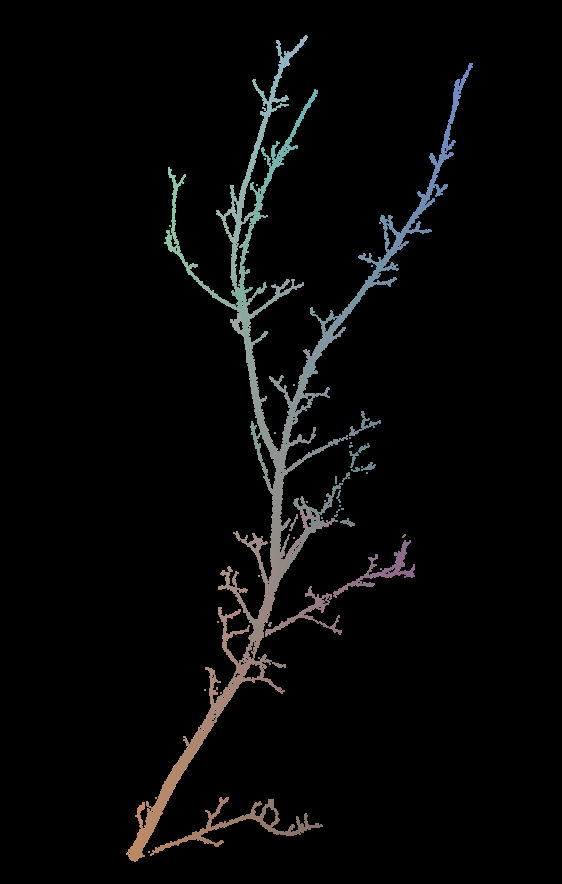
Point cloud#
You can download the example file here:
Branch point cloud.
Topology#
You can import the plant toology by importing an mtg file using
File -> Open MTG, or ctrl+O. Here is an example MTG based on the previous point cloud:
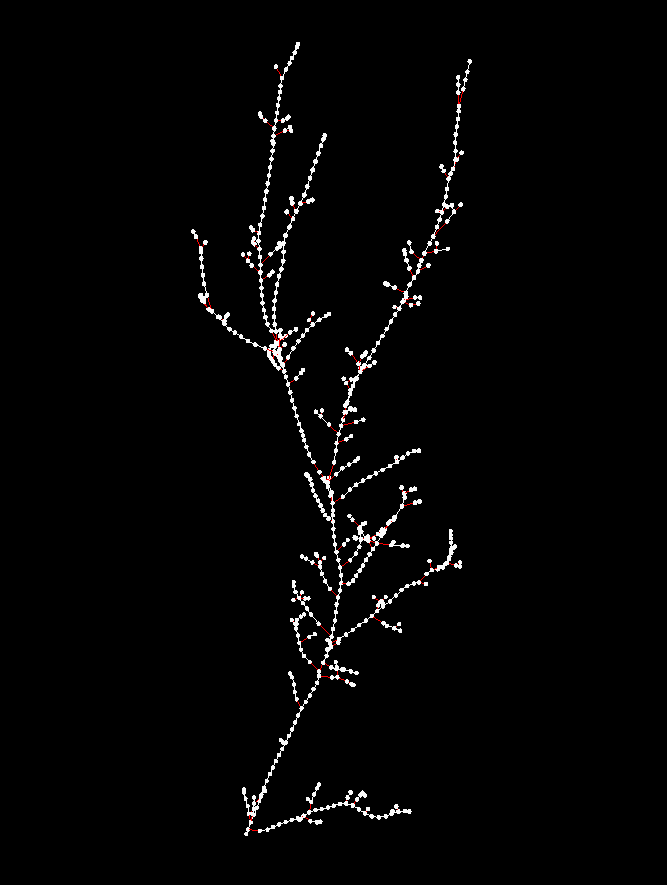
Topology#
You can download the example file here:
Branch MTG.